

Built for corporate events, where photos happen everywhere.
Reverie gives guests a place to send the moments they already captured, then keeps the original files together for the host.
Simple attendee contribution
Attendees use one QR code to send photos and videos without installing an app or joining a shared drive.
Useful for recap content
Collect candid team photos, booth clips, audience moments, and after-event highlights in one place.
Private by default
The gallery is tied to the event access link rather than a public social feed.
Make sharing photos feel as easy as taking them.
 Share
ShareCreate a private gallery for the company event.
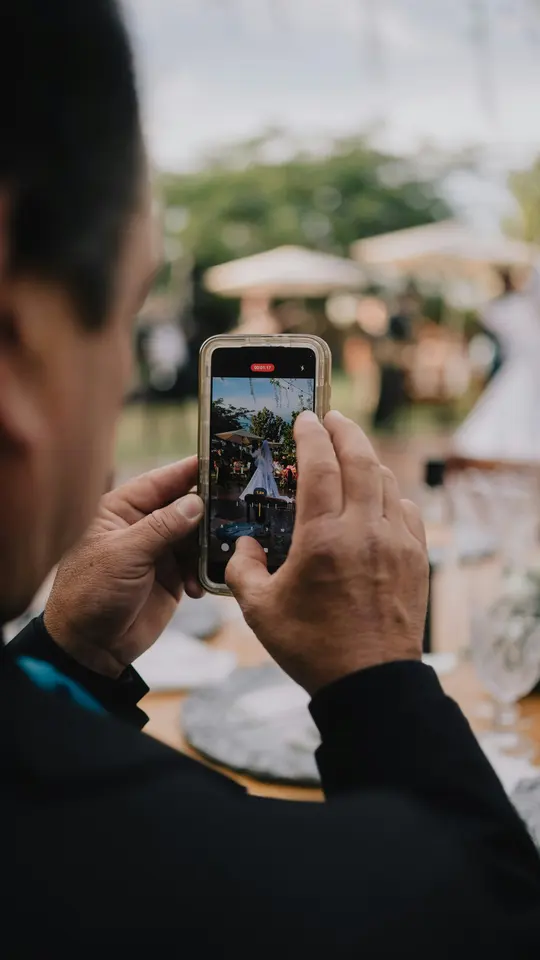 Collect
Place the QR code on venue screens, badges, table cards, or follow-up emails.
 Keep
KeepDownload original files for internal recaps and memory keeping.
Frequently asked questions
No. Reverie is designed as a private event gallery and collection flow, not as a public social feed.
Yes. Guests and attendees can upload from the browser without creating a guest account.
Yes. Event hosts can download the uploaded files in original quality.
One Reverie gallery fits any room where people are taking photos.
Weddings
Collect ceremony candids, reception photos, dance-floor videos, and sendoff clips.
Birthday parties
Bring group selfies, cake moments, and party videos into one private gallery.
Conferences
Gather attendee, speaker, sponsor, and staff perspectives without requiring an app.
Baby showers
Collect gift-table moments, family photos, and little reaction videos.
Graduation parties
Keep ceremony photos, speeches, group shots, and party videos together.
Anniversaries
Gather milestone toasts, dances, family photos, and vow-renewal memories.
Family reunions
Bring every branch of the family into one private photo and video gallery.
Holiday parties
Collect company, family, and seasonal celebration photos before chats scatter them.
The last song ends. The gallery doesn't.
Create your event for free, put the QR code on the table, and let the gallery fill while you celebrate.