 Baby showers
Guests scan once and upload from their browser without joining a shared album or installing an app.
Put the QR code on invites, welcome signs, favor tags, or the gift table so guests know where to send photos.
Download the full-resolution gallery for the parents-to-be after the shower.
Set up once. Runs all night.
Set it up before the first glass is raised. The gallery fills while the party is still going, and every file is waiting for you the morning after.

Print it on a table card, the menu, or the welcome sign. One scan opens your event in the browser.
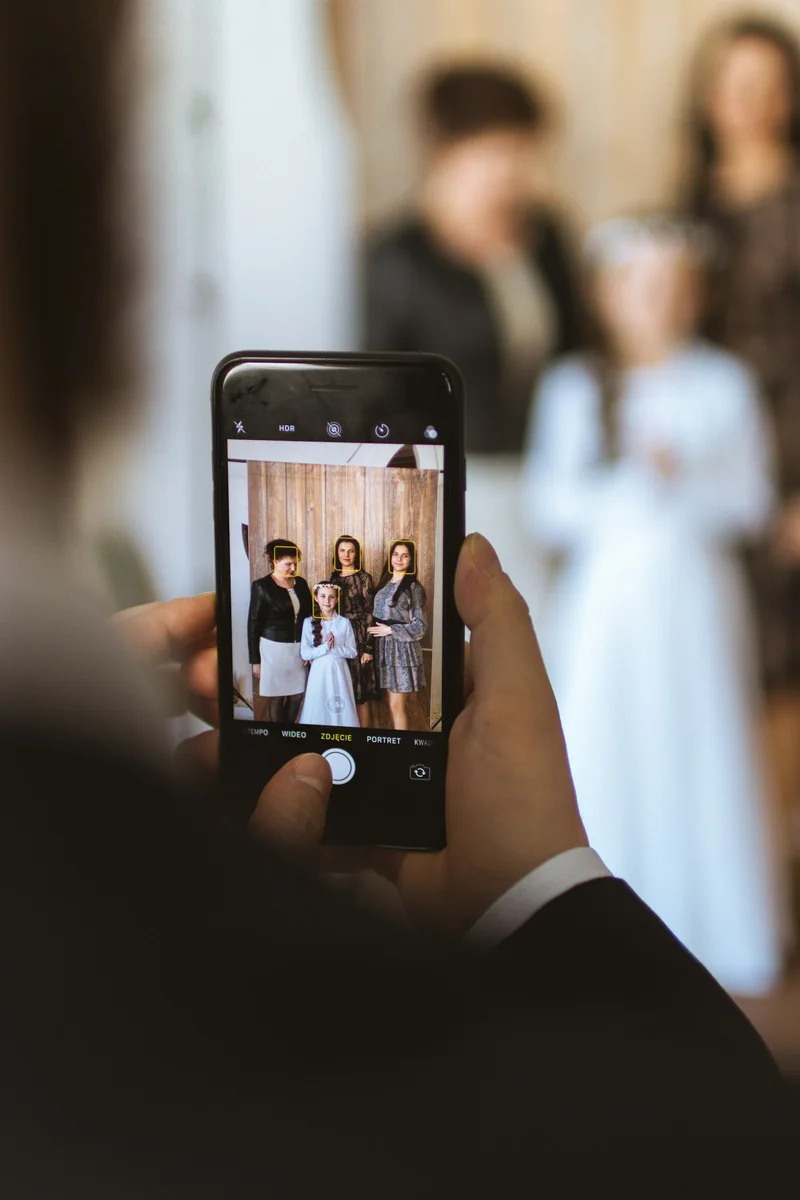
Photos and videos upload straight from the camera roll. No app, no login, no compression.

Play the gallery back as a slideshow, then download every photo and video in one archive. They are yours to keep.
Frequently asked questions
No. Guests can upload photos and videos from their browser without creating a guest account.
Yes. Reverie supports both photo and video uploads for private event galleries.
Yes. The event host can download the original uploaded files from the gallery.
Every guest. Every photo.
One gallery.
Create your event for free and print the QR code. The gallery fills itself while you enjoy the party.
Create your event for free