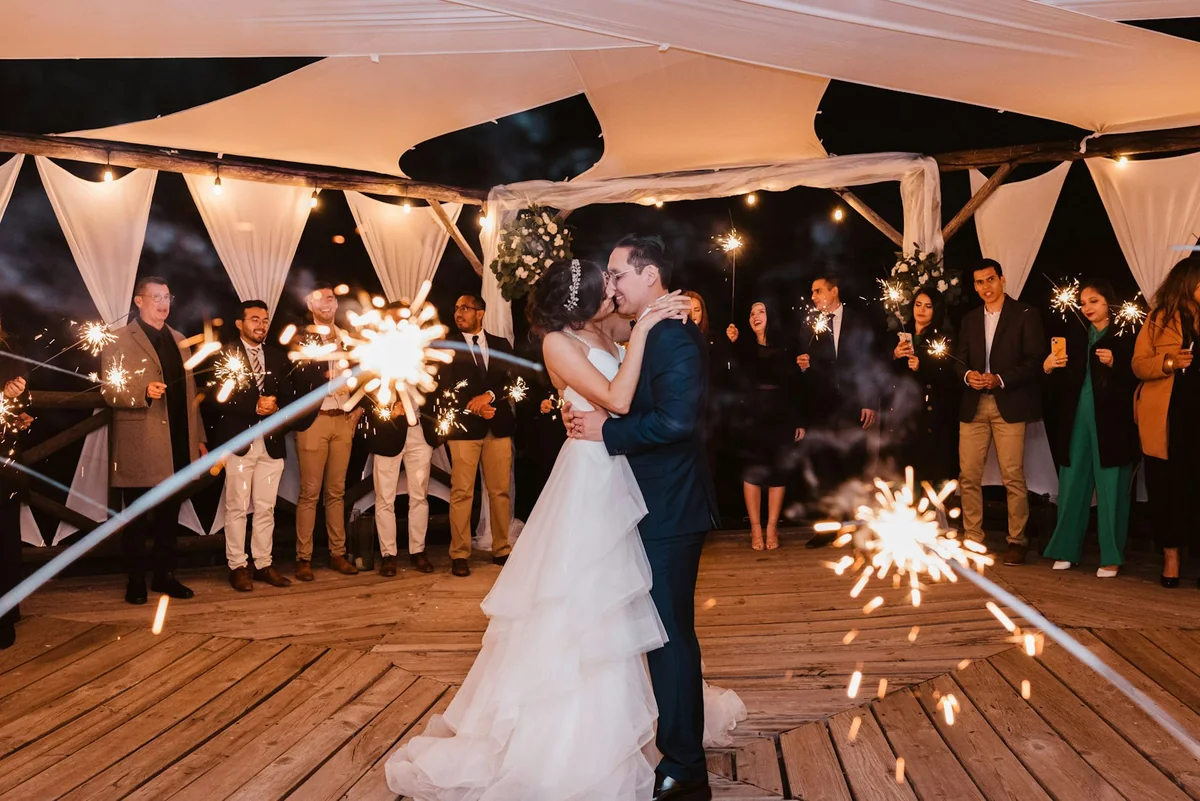
Every guest photo and video, saved to your Google Drive
Guests scan a QR code and upload from their phone. No app, no account. When the event is over, one click saves every original photo and video to a new folder in your own Google Drive.
From QR code to Google Drive in four steps
- 01Create the event and share the QR code
Print the QR code on table cards or put the link in the invitation. Guests scan it and upload from their browser. No app, no guest account.
- 02Let the gallery fill up
Every photo and video lands in one private gallery. Only people with your event link can open it.
- 03Connect your Google account
In your event settings, open Media and choose Connect Google Drive. You sign in with your own Google account and allow Reverie to create files in your Drive.
- 04Export to Google Drive
Choose Export to Google Drive once the event is over. Reverie creates a new folder, uploads every original, and emails you a link when it is done.
Your originals, in one folder.
Reverie creates a folder named after your event, followed by “(Reverie)”. Your existing files are never touched.
Photos and videos are uploaded exactly as your guests sent them, in full resolution. Nothing is resized, re-encoded or watermarked.
Videos come along too. Each file can be up to 250 MB, the same limit as guest uploads.
Files are named reverie- plus a unique ID, and their modified date is the upload time. Everything sits in one flat folder; guest names and subgalleries are not carried over.
Guests never need Google.
Guests open the QR link in their browser and pick photos and videos from their camera roll. No Google account, no Drive access, no app. Only you, the host, connect Google.
Your Drive. Your files.
Reverie asks for Google’s drive.file permission, which covers only the files and folders Reverie itself creates. It cannot browse the rest of your Drive, and you can revoke the access in your Google account at any time.
The folder belongs to your Google account, so you can move, share or delete it like any other folder. Reverie keeps its own gallery for 12 months after the last upload, then deletes it. The copy in Drive stays.
Good to know before you export.
Files reach Drive when you run the export. While guests upload, everything stays in your Reverie gallery.
The first export, to Drive or as an archive, finalizes the event: nobody can upload anymore, though downloads stay available. Export once the event is over.
Every host can run one Drive export per event, to their own Drive. If an export fails you can request it again, and it continues where it stopped.
Reverie always creates a new folder in your Drive. You can move it wherever you like afterwards.
The files count against your Google storage quota, so make sure there is enough free space before you export.
Several files upload at a time, and large videos can still take a while. Reverie emails you a link when the folder is ready.
Asked before the first export.
No. Guests scan the QR code and upload from the browser, with no app and no account of any kind. Only the host connects a Google account.
No. Uploads go to your private Reverie gallery first. When you are ready, you export them to Google Drive in one go, and that export closes uploads for everyone.
Your basic profile (name and email) and Google’s drive.file permission. That lets Reverie create the export folder and the files inside it, and nothing else in your Drive. You can revoke it in your Google account at any time.
No. There is no separate plan or add-on. Creating an event is free and includes the first 20 uploads, and one payment per event unlocks unlimited guests and uploads. The Drive export works the same on every event.
Yes. Photos and videos both go to Drive, each up to 250 MB, exactly as uploaded. Files are sent as resumable uploads, and a retried export skips what already arrived.
No. Reverie creates a new folder named after your event in your Drive, so it never mixes with your other files. You can move it wherever you like afterwards.
Yes. Every host can connect their own Google account and export to their own Drive. Each host gets one Drive export per event.
In your private event gallery, reachable only through your event link. They stay there for 12 months after the last upload, whether or not you export.
Reverie retries on its own and resumes where it stopped. If it still fails, or Google access was revoked, your event settings show that the export failed, and you can request it again or email support.
Yes. You can export all originals as one archive, with or without the Drive export. Either export closes uploads.
Every guest. Every photo.
One gallery.
Create your event for free and print the QR code. The gallery fills itself while you enjoy the party.
Create your event for free