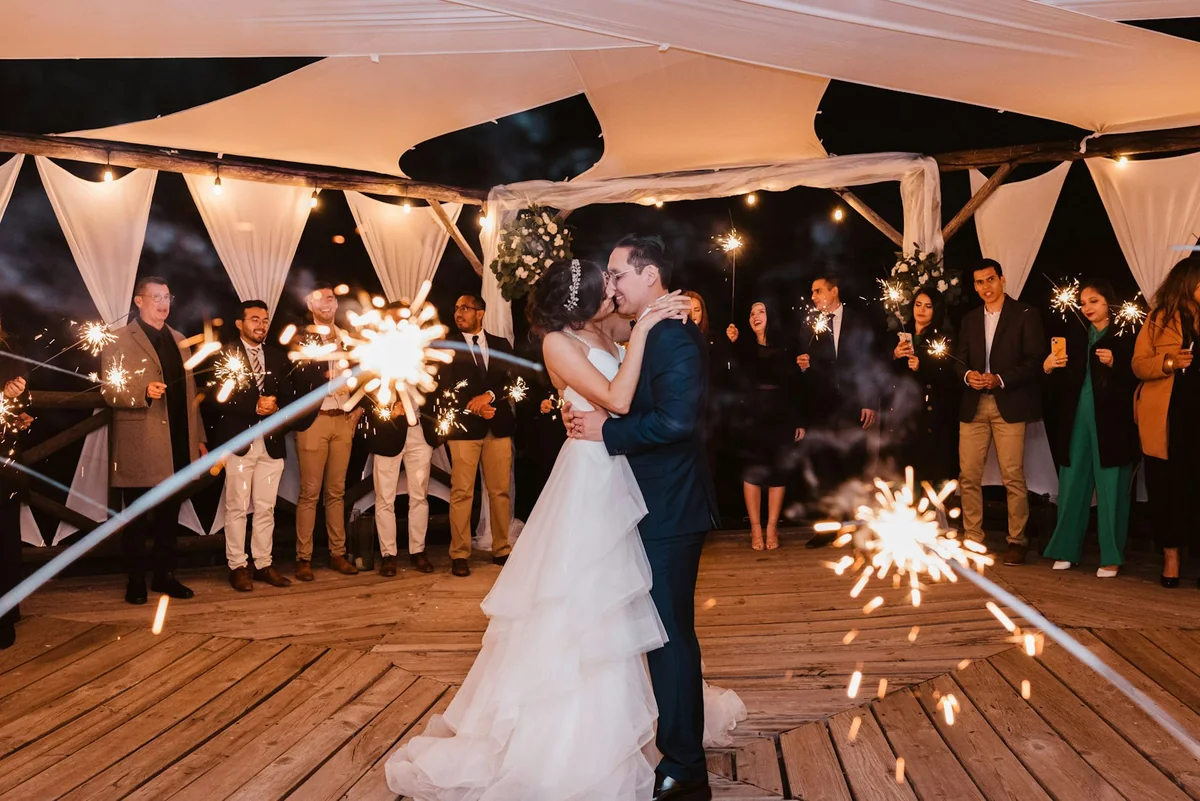
Collect every photo of your engagement celebration
One QR code on the table collects the toast, the ring and both families’ photos in one private gallery for the couple.
 Uploaded by 24 guests · The toast
Photos from both sides arrive in one place, without anyone having to ask relatives to send them.
The engagement gallery becomes the opening of the wedding story, and the originals are ready for invitations or a slideshow.
Guests scan the code and upload from the phone browser, with no app and no account.
From the proposal to the first toast
An engagement is often the first time both families are in one room: the ring, the speeches, the proposal told again and again. Whether it is a Verlobung, a fejesë or a party in the garden, Reverie gives everyone one place to send the photos.
- 01Catch the proposal from hiding
If the proposal is a surprise, send the link to the friend who is hiding with the camera, so the moment and the reactions land in the gallery right away.
- 02Give each family its own link
Create one link for each side of the family, so the photos from both arrive in their own subgalleries and each family finds its own.
- 03Put the code where the families meet
Place the QR code next to the ring box, the cake or the gift table, where both families gather for photos.
- 04Share it with the wedding in mind
After the party, send the gallery to the guests who will be at the wedding too, and pick the best photos for the save-the-date or the wedding slideshow.
Set up once. Runs all night.
Set it up before the first glass is raised. The gallery fills while the party is still going, and every file is waiting for you the morning after.
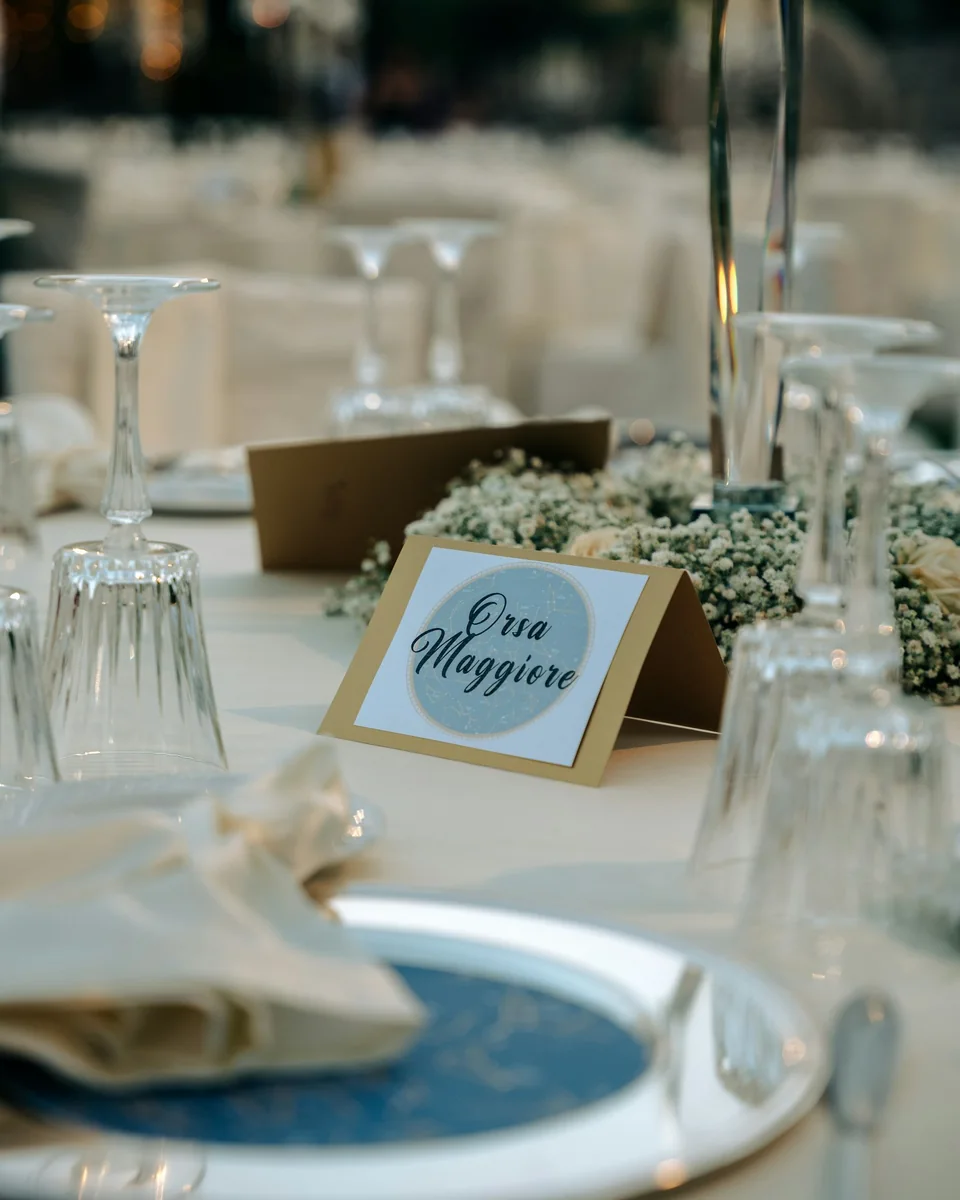
Print it on a table card, the menu, or the welcome sign. One scan opens your event in the browser.
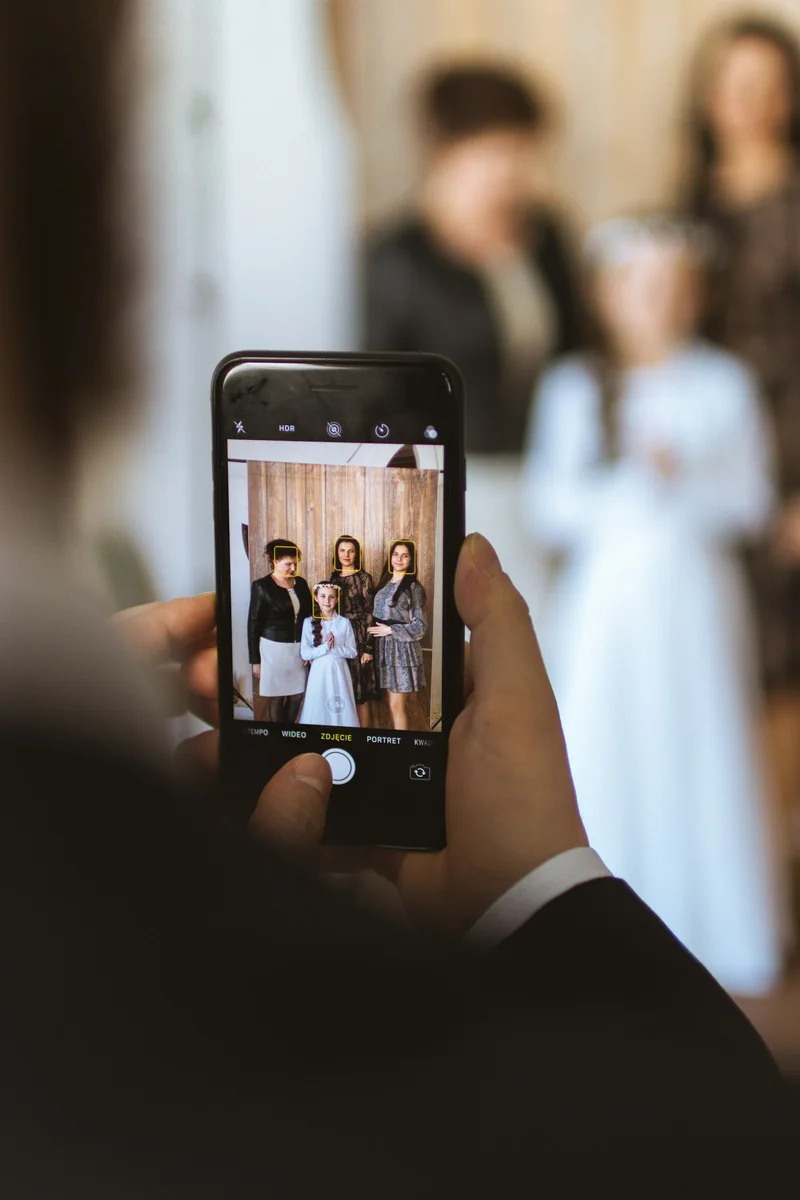
Photos and videos upload straight from the camera roll. No app, no login, no compression.
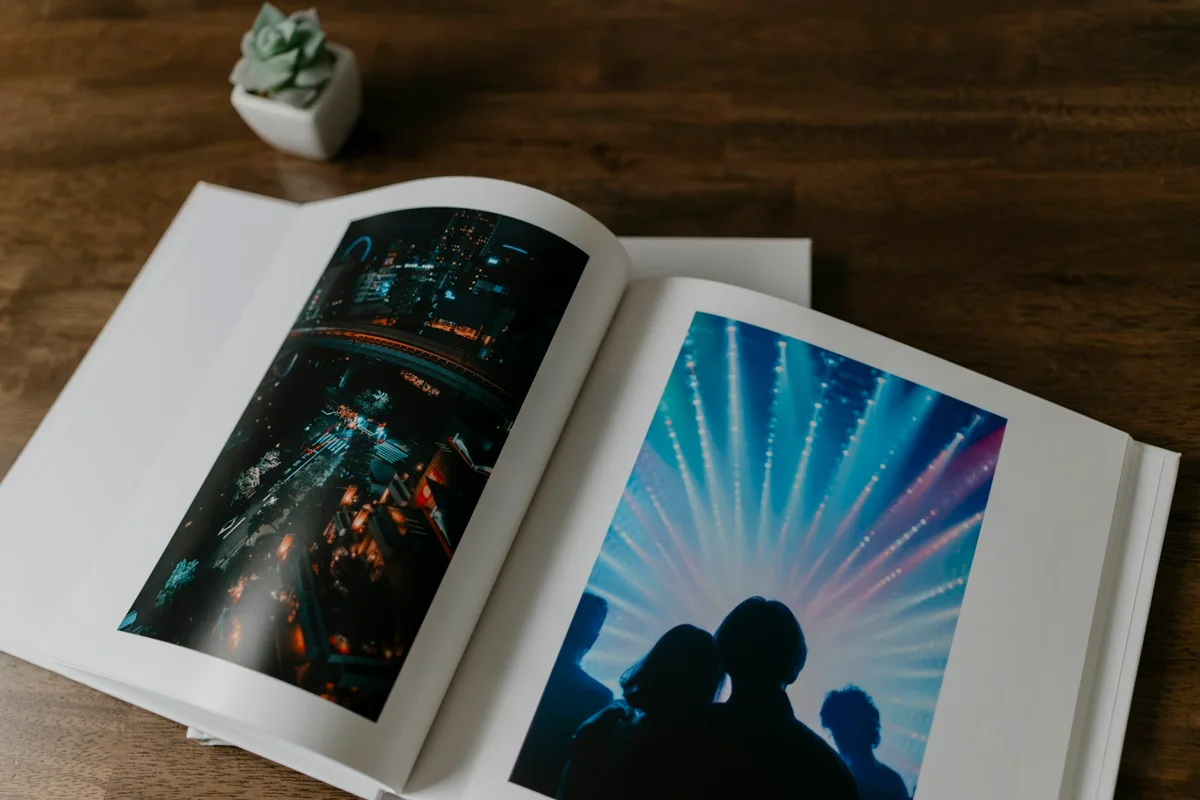
Play the gallery back as a slideshow, then download every photo and video in one archive. They are yours to keep.
Asked by couples and their families.
Yes. Create a separate event for the engagement, since it has its own guest list. You start the wedding gallery fresh later.
Yes. Anyone with the event link can upload a photo or a video message from anywhere while uploads are open, which suits families spread across several countries.
Yes. Give each family its own link, and its uploads land in their own subgallery.
Only people with your event link. The gallery is not indexed by search engines, and you choose whether guests can browse it or only upload.
A friend or relative can create the event and invite the couple as co-hosts later, so the proposal stays a surprise.
Creating the event is free and includes the first 20 uploads. One payment per event unlocks unlimited guests and uploads, with no subscription.
Every guest. Every photo.
One gallery.
Create your event for free and print the QR code. The gallery fills itself while you enjoy the party.
Create your event for free