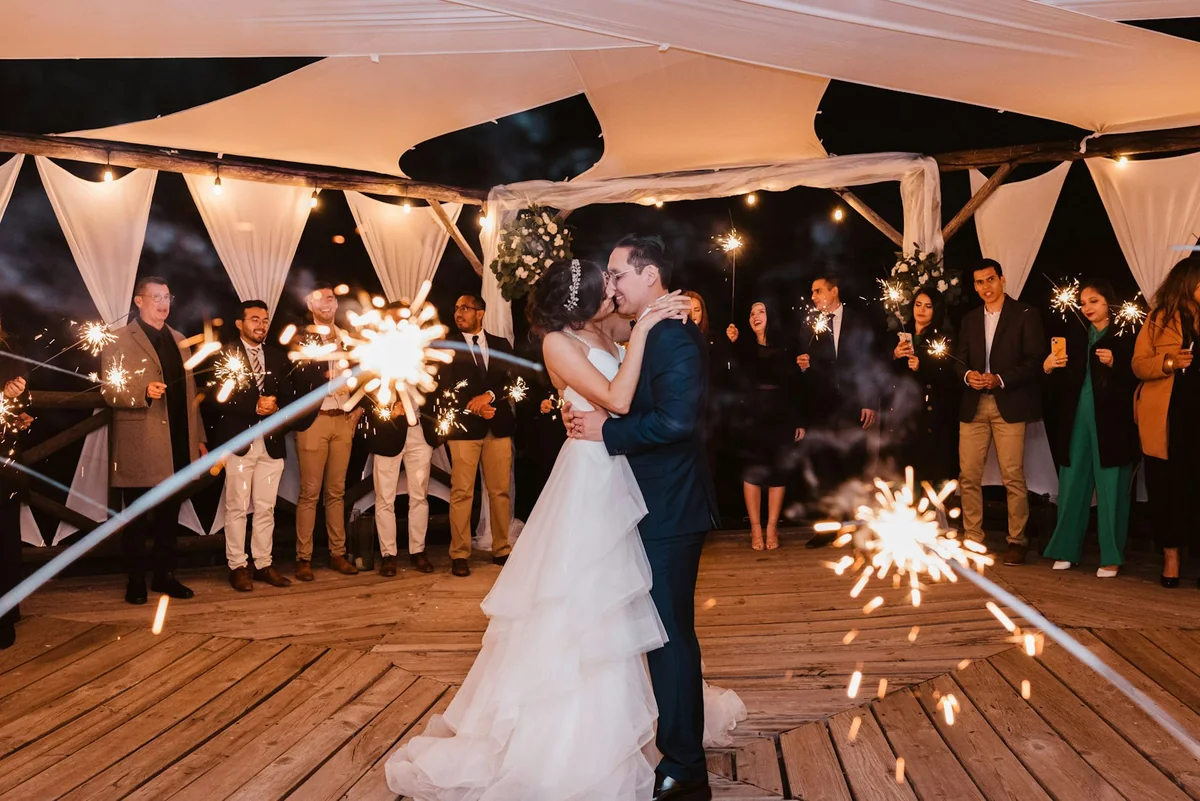
Gather memories of a loved one in one private gallery
One link, sent gently, lets everyone who knew them add the photos and stories they carry, in one private gallery for the family.
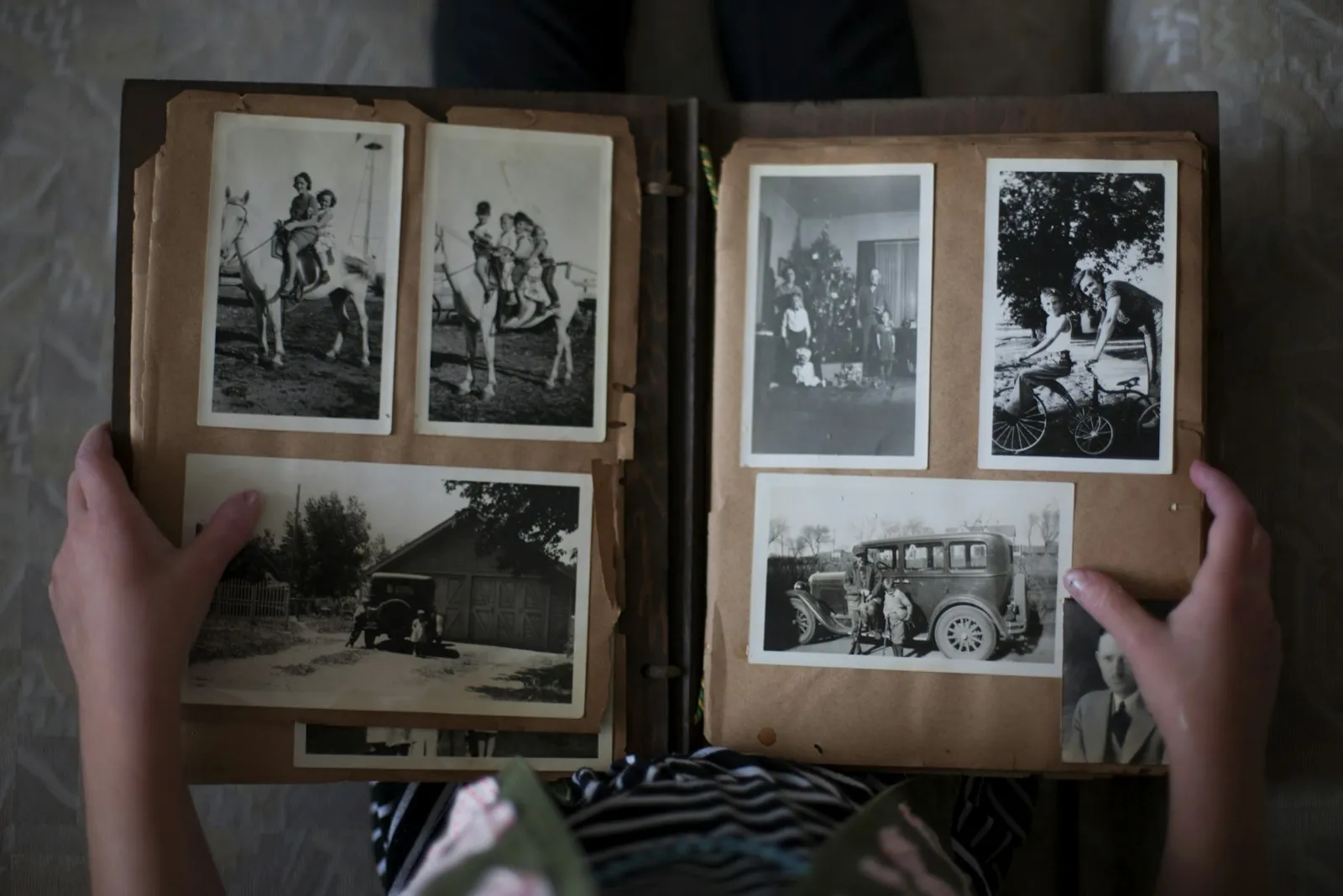 Uploaded by 22 relatives · Family album
The gallery is not indexed by search engines and opens only for people with the link. Nothing is posted publicly.
Anyone who cannot travel can add a photo or a video from their own phone, without creating an account.
Old prints photographed with a phone and recent videos arrive exactly as they were sent, ready to be kept or printed.
A gentle plan for the days around the farewell
After a death, photos of the person are scattered across many phones, albums and drawers. Reverie gives family and friends one quiet place to send what they have: before the funeral, for the gathering afterwards, or for a memorial months later.
- 01Ask one person to take it on
Ask a relative or close friend to create the gallery, so the closest family does not have to. Invite the family as co-hosts whenever they want to look.
- 02Ask for photos of the person
Photographing the ceremony or the grave is rarely appropriate unless the family asks for it. Ask instead for photos and videos of the person: holidays, birthdays, ordinary days, and phone photos of old prints.
- 03Sort by chapter of a life
Give childhood, family, friends and work their own links, so the photos arrive sorted and are ready for a slideshow at the gathering afterwards.
- 04Close it when it is complete
When everyone has sent theirs, export the originals as an archive or to Google Drive. The first export closes uploads, so wait until the memories are all in.
Set up once. Runs all night.
Set it up before the first glass is raised. The gallery fills while the party is still going, and every file is waiting for you the morning after.
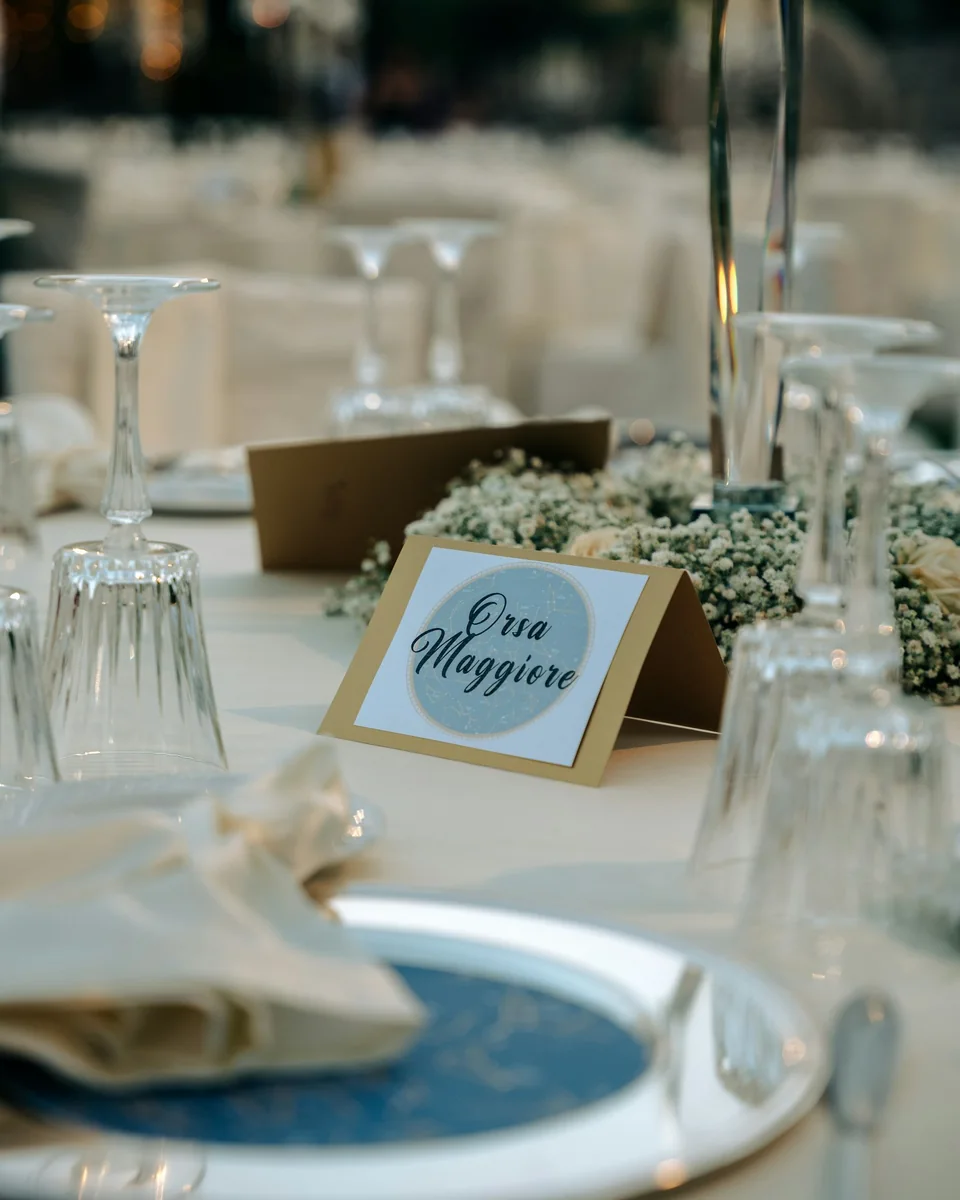
Print it on a table card, the menu, or the welcome sign. One scan opens your event in the browser.

Photos and videos upload straight from the camera roll. No app, no login, no compression.

Play the gallery back as a slideshow, then download every photo and video in one archive. They are yours to keep.
Asked gently, by families planning a farewell.
That is up to you. You can keep the gallery visible only to the family, or switch on the guest gallery so that everyone who contributed can look through it afterwards.
Yes. The slideshow plays on any screen, which suits the gathering after the ceremony as well as a memorial months later.
Yes. Uploads stay open for 28 days after the last upload, or until you export the full gallery, so late memories still arrive. You can close uploads earlier at any time.
Photos and videos are kept for 12 months after the last upload, then deleted. Export the originals before then, as an archive or to Google Drive, to keep them for good.
Yes. Invite relatives as co-hosts, so the work and the decisions do not fall on one person.
Creating the event is free and includes the first 20 uploads. One payment per event unlocks unlimited guests and uploads, with no subscription.
Every guest. Every photo.
One gallery.
Create your event for free and print the QR code. The gallery fills itself while you enjoy the party.
Create your event for free