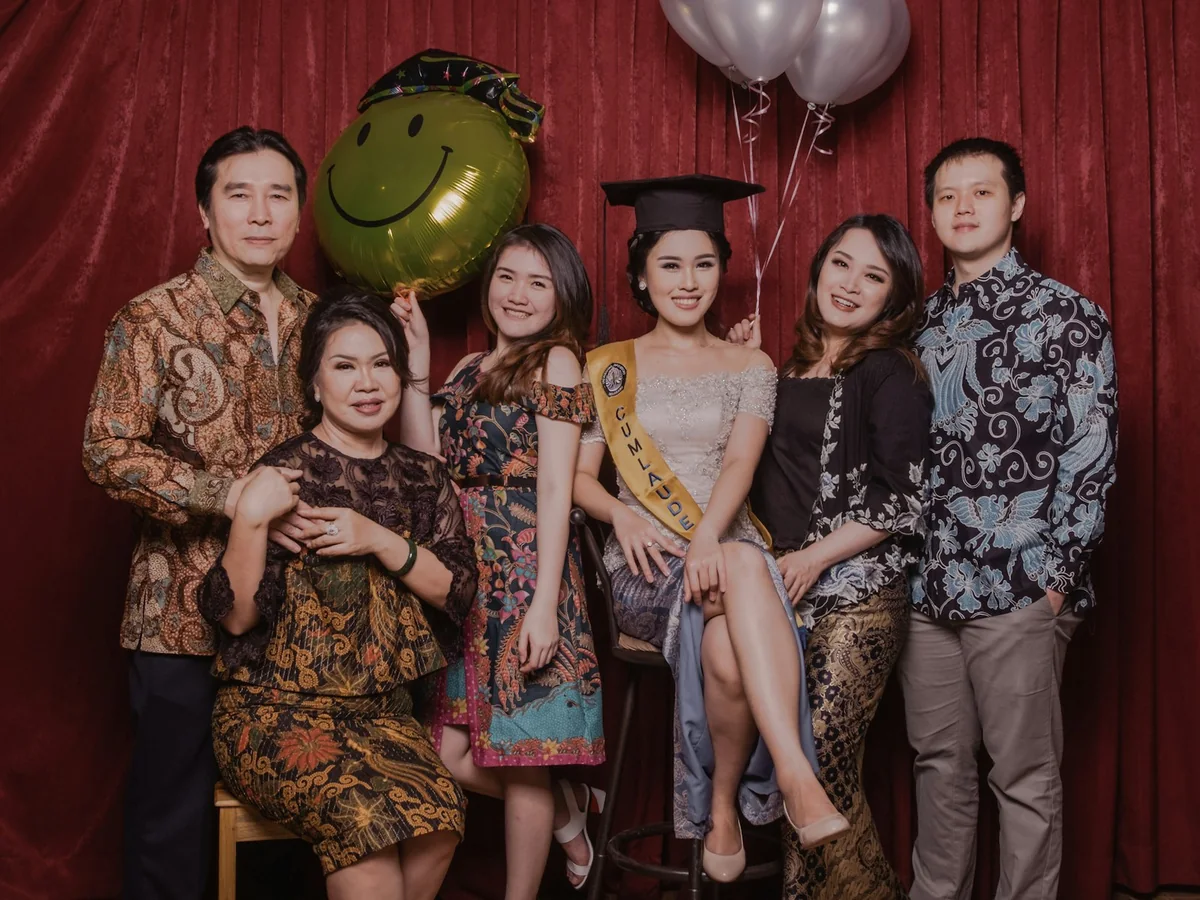
Keep every baptism photo in one private gallery
One QR code at the coffee table gathers the godparents’ photos, the grandparents’ videos and the family portrait in one private gallery for the parents.
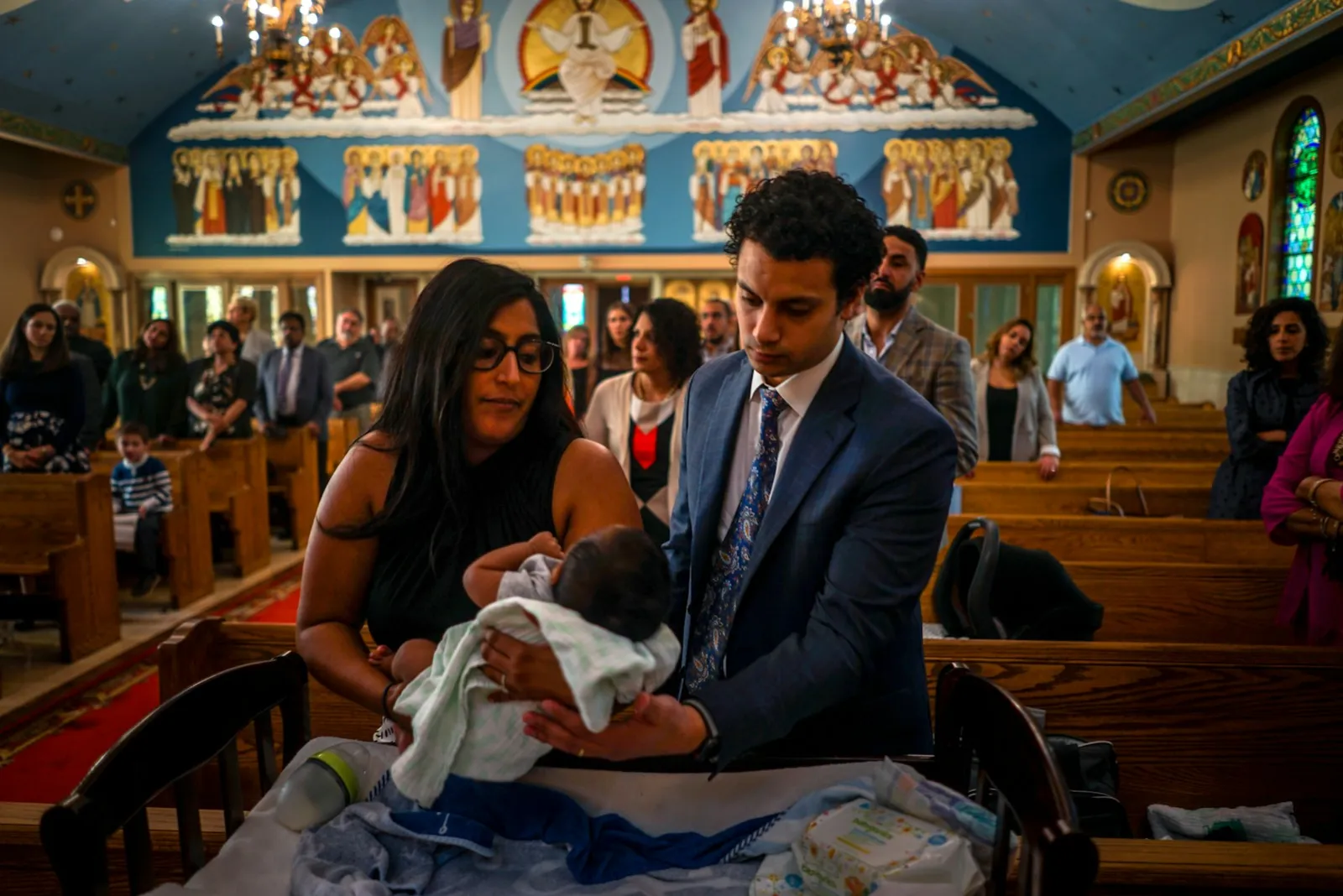 Uploaded by 14 guests · The service
Godparents and relatives take the photos and send them in, so the parents do not have to organize anything on the day.
Grandparents scan the code, pick photos from the camera roll and upload from the browser. No account, no app store.
Original files are kept in full resolution, ready for the album and for prints.
From the font to the coffee table
A baptism fills a small window of time: the service, the candle, the photos by the font, then coffee and cake with the whole family. Reverie lets godparents and relatives send in what they captured, so the parents can keep their hands free for the baby.
- 01Let a godparent set it up
A godparent or relative creates the event and invites the parents as co-hosts, so the parents are free to enjoy the day.
- 02Put the link in the invitation
Add the link to the invitation so everyone knows where to send photos, including the relatives who cannot be there.
- 03Ask for wishes for the child
Prompts like “a wish for the baby” or “a photo of mum or dad as a baby” bring short videos from godparents and grandparents that the child can watch years from now.
- 04Keep it for the baptism album
Export the originals for the baptism album, or save them to Google Drive for the day the child asks to see them.
Set up once. Runs all night.
Set it up before the first glass is raised. The gallery fills while the party is still going, and every file is waiting for you the morning after.

Print it on a table card, the menu, or the welcome sign. One scan opens your event in the browser.
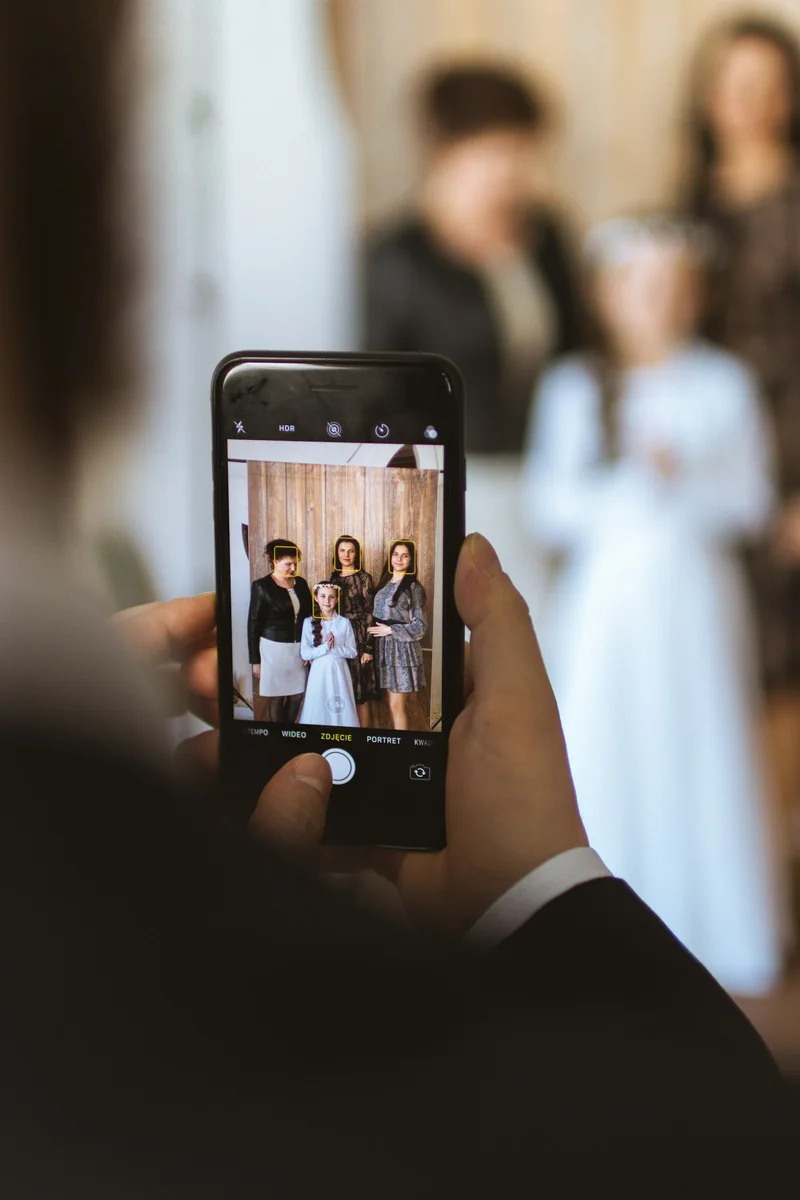
Photos and videos upload straight from the camera roll. No app, no login, no compression.

Play the gallery back as a slideshow, then download every photo and video in one archive. They are yours to keep.
Asked by parents planning the day.
Many churches ask guests not to photograph during the service, so check beforehand. Photos from before, after and from the coffee table fill the gallery just as well.
Yes. Anyone with the event link can upload a photo or a short video message from anywhere while uploads are open.
Yes. Invite them as hosts, so they can see every upload and download the originals.
Only people with your event link. The gallery is not indexed by search engines, and you choose whether guests can browse it or only upload.
The gallery stays available for 12 months after the last upload. Export the originals as an archive or to Google Drive whenever you are ready.
Creating the event is free and includes the first 20 uploads. One payment per event unlocks unlimited guests and uploads, with no subscription.
Every guest. Every photo.
One gallery.
Create your event for free and print the QR code. The gallery fills itself while you enjoy the party.
Create your event for free