Wedding photo challenge: tasks for your guests
When a photo challenge works
Photo tasks, a photo challenge or photo bingo: it's the same game. A task is one sentence a guest can finish in a moment: "A photo with someone you met today." Most people join in at arrivals, during the meal and in the early dancing. One announcement during the meal is enough.
Shy tables join in when a task is done in pairs, and skip it when it means posing in front of the room. Older guests happily photograph a grandchild or the table, and will not do a hunt around the venue. After midnight hardly anyone reads a card. Plan the game for the meal and the early dancing. A QR code on the tables sends every photo into one gallery.
Tasks a guest understands instantly
Each line is one task. Cut what doesn't fit your day and write your own. Ten to fifteen are enough for the evening. This list is longer so you can choose from it.
Arriving and the ceremony
A photo of the shoes you arrived in.
Two guests seeing each other again after a long time.
A detail of the venue most people walk past.
The bridal bouquet, up close.
The toast at the welcome drinks.
A face in the row, just before it starts.
The couple from behind, on their way in.
Skip tasks during the ceremony itself. A photo from your seat is fine. A guest standing up to get one is not.
The meal and the speeches
The table as it was laid, before anyone sits down.
You and the person next to you, with whatever is on the plate.
Someone giving a speech, shot from your seat.
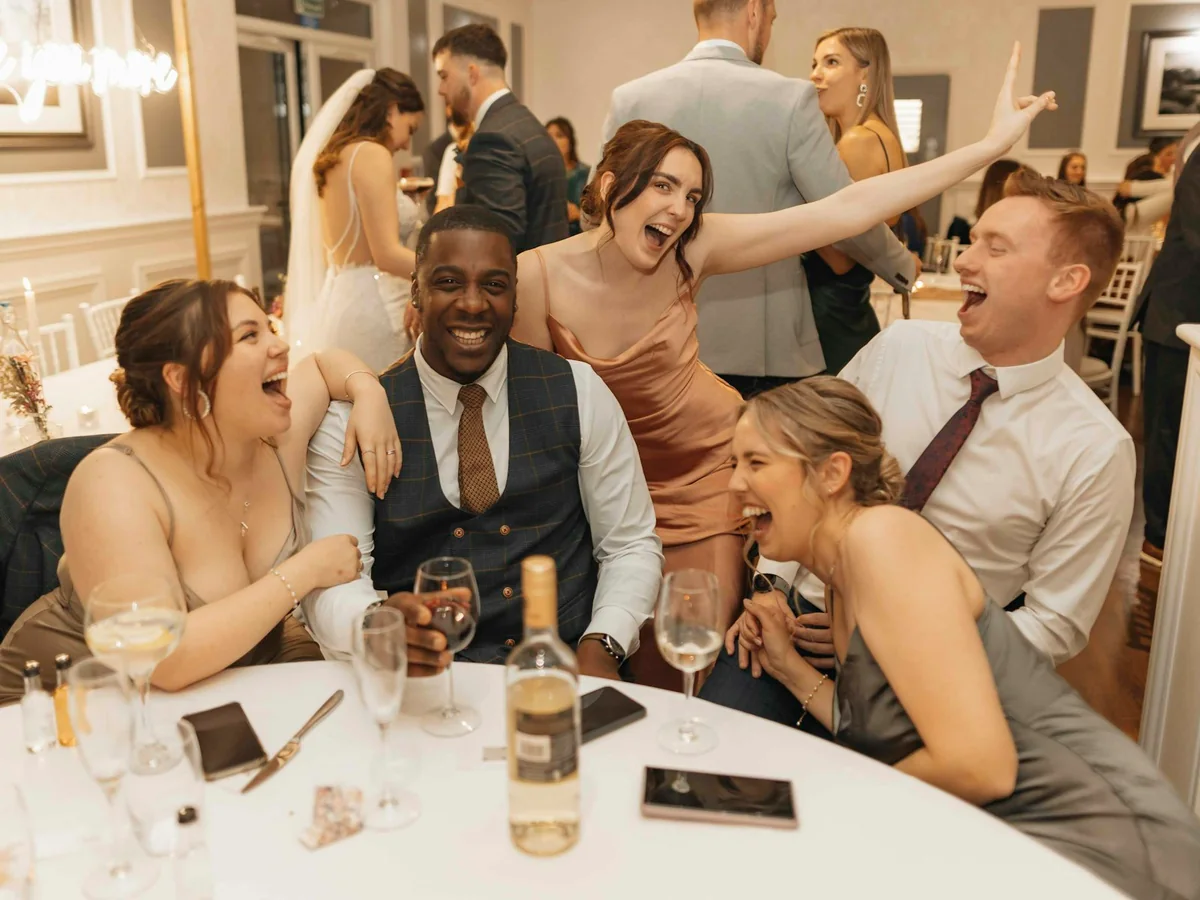
A guest laughing during a speech.
A full glass, clinked against another.
The wedding cake, before it's cut.
The couple actually eating, not posing.
Family and generations
Three generations of one family in a single photo.
A parent of the couple, as you see them today.
The oldest and the youngest person at the table, if both are willing.
Hands from two generations on the same table.
The couple with the people who matter to them.
Ask before you put someone in a picture. A no counts, and the task is done by leaving it.
The dance floor and late evening
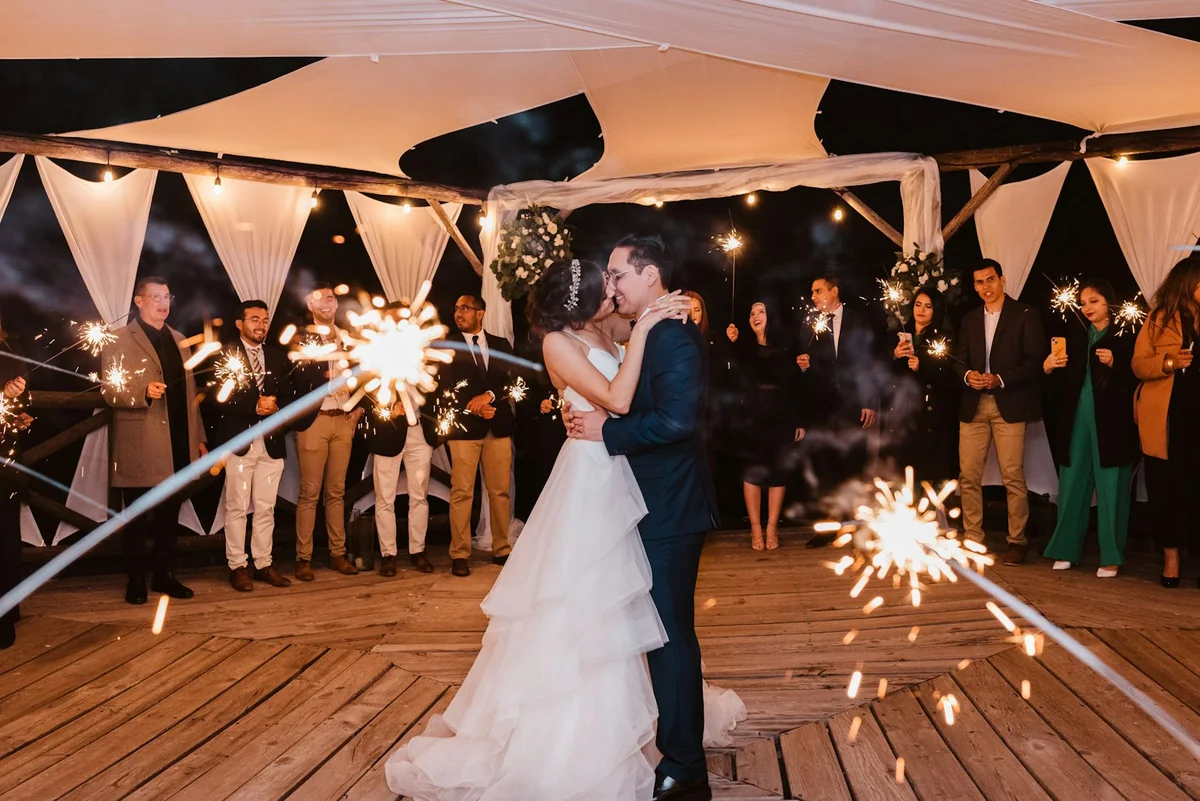
The first dance, from the side rather than head on.
Two people dancing who said they don't dance.
The band, or the DJ, at work.
The string lights, the chandelier, or whatever is lighting the room.
A full table with half its people already on the dance floor.
The couple in among the guests, not alone in the frame.
For children
Your favourite food today, up close.
An animal, a flower, or something sparkly you found.
The dance floor from down low, at your height.
You and another child you met today.
The best dress or the best tie in the room.
A photo where only feet are visible.
Children's tasks go on the children's table, not on the adults' card. An adult at the table reads them out.
After the party
The sign at the exit, once the party is over.
The way home, from the bus stop or your doorstep.
A photo from the next morning: coffee, cake, or the dress over a chair.
The couple saying goodbye the day after.
These four often work better the next day. Same page, same code, no new game.
How to hand the tasks out
One person announces it once. A best man, a maid of honour, the speaker or the DJ, during the meal, in two sentences: there are photo tasks, they're optional, the photos go to the couple, and nobody has to finish one. Anyone who doesn't want to take pictures just keeps eating.
Three formats, and you only need one:
Table cards. One card per table with six to eight numbered tasks. The table splits them up. Nobody walks the room, and shy guests can do their task from their seat.
Photo bingo. A grid of nine or sixteen squares, one task each. A full line means you're done. Bingo sounds like winners. If you don't want any, say so in the announcement, or it turns into a contest.
Tasks on the upload page. No paper. The guest opens the link, sees one task, and can draw another. This suits you if you already have a QR code on the tables and don't want to print anything.
The same card on every table is fine: the same task at ten tables gives you ten different photos.
Three formats compared
| Format | Work beforehand | What guests need | How the photos get back to you |
|---|---|---|---|
| Table cards | Write the text, print it, put one on each table | The card and a phone | You tell them where the photo goes: an upload link, or else a chat |
| Photo bingo | Design and print a grid | The card, a pen and a phone | Same as the cards: the paper collects nothing, only the link does |
| Tasks on the upload page | Type the tasks into the gallery once | The QR code or the link, no paper | The photo arrives with the task, in the same gallery |
Cards and bingo are visible even to guests who never open the link. They don't collect a file, though. Without a place for the photo to go, the pictures stay on individual phones. Only someone who scans the code sees the upload page, and in return every file lands with you. You can do both: a short card on the table, and the same tasks again on the page.
How the code gets onto the tables is covered in QR code for wedding photos. The whole route from sign to gallery is in collecting photos from wedding guests.
Tasks in Reverie
In Reverie you turn on Prompts in the event settings. You write your own tasks, or you add a ready-made set and edit it afterwards: cut lines, reword them, add your own.
Guests see one task on the upload page and a button, Another one, that draws a different task. When they upload, they can pick a task. The photo lands in the same gallery as everything else, with no app. The first 20 uploads are free, then it's one payment per event. The current price is on the homepage.
If you want the photos on a screen during the evening, play them through the live slideshow. For signs and cards there is the QR sign generator.
Frequently asked questions
How many tasks do I need?
Ten to fifteen for the whole evening, six to eight on a table card. A long list doesn't get read. Fewer tasks that are clear in one sentence beat forty that nobody finishes.
Should we offer prizes?
No. Prizes turn an optional task into a competition, and then the same guests join in who would have taken photos anyway. An announcement with no winner is enough. If you want to give something, make it something small for a whole table, not for one person.
What if nobody joins in?
Then you have a normal evening. Announce it once and put the cards out. Reminding people a second time, in the middle of a speech or on a full dance floor, doesn't help. Some tables take three photos, some take none. Both are fine.
Do tasks work for children?
Yes, with their own lines and an adult to read them out. Subjects a child can actually see: food, feet, the dance floor from below, another child. Nothing that sends a child across the room or up to a stranger.
Can guests do the tasks after the wedding?
Yes. The same page stays open until 28 days after the latest upload, or until your first export. Photos from the next morning, the goodbyes and the way home often arrive only then. How to ask for them nicely is in collecting photos after the wedding.
Do guests need an app?
No. A link or a QR code opens the upload page in the phone's browser. No account, no install. That stays true when the tasks are shown there. More on how the day runs: Reverie for weddings.